Guide
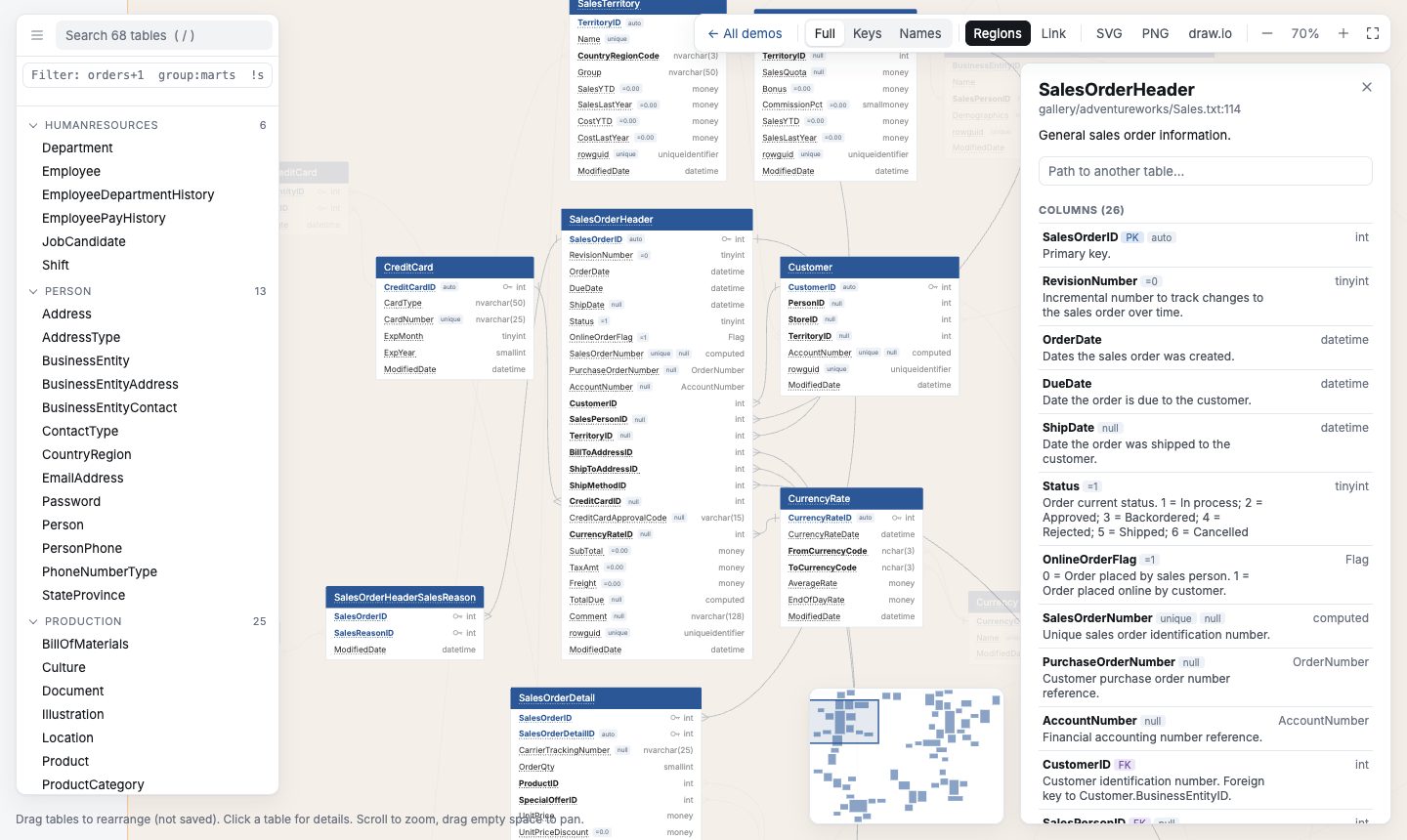
qdbd turns database schemas into interactive ER diagrams that stay readable at hundreds of tables. Write the schema in QuickDBD's plain-text syntax, or generate it from a dbt project. qdbd checks it, lays it out, and builds a single HTML page you can explore, share and review in pull requests.
The schema is a text file, so it lives in git next to your code. Diagrams are generated from it and never edited by hand. Table positions are the only thing you arrange yourself, and they're saved in a small layout file so the diagram stays put.
Live demos 200-table demo Quick start
The workflow
dbt project ──qdbd import dbt──┐
                               ├──▶ schema/*.txt  ──▶  canonical source (QuickDBD syntax, in git)
hand-written / pasted ─────────┘           │
                                           ├──▶ qdbd check   : QuickDBD-compatible validation    ──▶ CI gate
                                           ├──▶ qdbd serve   : live editor, drag to arrange      ──▶ schema.layout.json
                                           ├──▶ qdbd build   : interactive HTML                  ──▶ GitHub Pages / artifact
                                           ├──▶ qdbd diff    : what changed vs main              ──▶ PR comment
                                           └──▶ qdbd export  : PNG · SVG · draw.io               ──▶ docs, slides, wikis
Every command reads the same .txt files, so the page, the images and the PR comment always agree. The GitHub Action runs check, build and diff on every pull request.
The guide
Read it in order the first time; each step builds on the one before.
| # | Section | You'll learn |
|---|---|---|
| 1 | Install | Install with pip, pipx or uv, or run without installing |
| 2 | Quick Start | Write, check, edit, build and export your first diagram in 5 minutes |
| 3 | Schema Files | The syntax, splitting a schema into files, table positions, and tags and colours |
| 4 | Exploring a Diagram | Reading the page, filtering with selectors, exports, and sharing a link |
| 5 | dbt Projects | Generate the schema from manifest.json, then follow jaffle_shop from import to CI |
| 6 | Reviewing Changes | What a branch changes, as a report and highlighted in the diagram |
| 7 | CI and Automation | The GitHub Action, GitHub Pages, pre-commit and other CI systems |
| 8 | CLI Reference | Every command and exit code |
| 9 | Development | Working on qdbd itself |
-
New to qdbd?
Install it and build your first diagram.
-
Have a dbt project?
Generate the schema from
manifest.json, with relationships from your tests. -
Reading a diagram someone shared?
What the markers, colours, panels and filters mean.
The pieces
| Piece | What it does |
|---|---|
| Schema syntax | QuickDBD's text format, accepted unchanged. Error messages match QuickDBD's |
qdbd check |
Validates every file; file:line: error: …, exit 1 on errors |
qdbd serve |
Local editor: reloads on save, browser editor pane, drag tables to arrange |
qdbd build |
One self-contained HTML page: search, filters, path finder, regions, shareable links |
qdbd export |
PNG, SVG and editable draw.io files, for a whole schema or a selection |
qdbd diff |
Tables, columns and relationships changed against a git ref |
qdbd path |
Shortest join path between two tables, as a SQL JOIN |
qdbd import dbt |
Schema files from a dbt manifest.json (+ catalog.json) |
| GitHub Action | Check, build and comment on pull requests |
Pip-only: no Graphviz, Node or browser to install. Layout uses the Eclipse Layout Kernel in an embedded JavaScript engine.