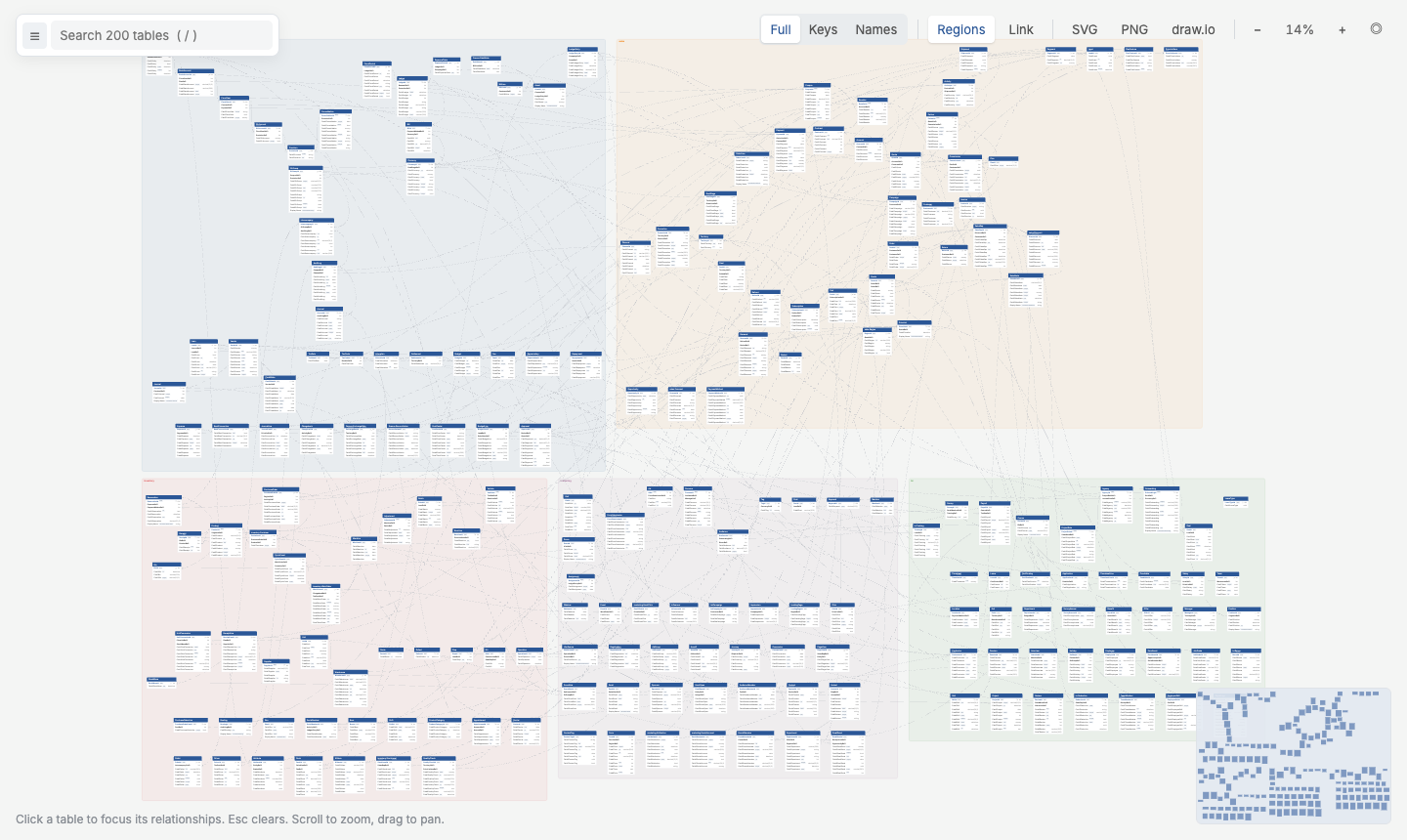
3.2 Many Files, One Diagram
Big schemas are easier to manage split into files, one per area or team. Point any command at a folder and every *.txt under it, recursively, becomes one diagram:
schema/
├── sales.txt        # Order, OrderLine, Invoice …
├── customers.txt    # Customer, Address …
└── products/
    └── catalog.txt
You can also list files: qdbd build sales.txt customers.txt -o sales.html.
How the files combine
- One namespace: foreign keys can point at tables in other files. Defining the same table in two files is an error that names both locations.
- Settings stay per file:
CaseSensitiveandDefaultFieldTypeapply to the file that sets them, so each file still pastes into QuickDBD on its own. - One layout file: positions for the whole folder go to
schema/qdbd.layout.json(3.3 Table Positions).
Files become groups
Each file is a group. In the page:
- the explorer lists tables under their file;
- Regions shades a labelled area per file (4.1);
- the selector
group:salesorfile:sales.txtfilters to one file (4.2).
To arrange the diagram so each file's tables sit together, add --by-group: