Open source · Apache 2.0 · pip install
Database diagrams that live in git, readable at 200+ tables
Write your schema in QuickDBD's plain-text syntax, or generate it from a dbt project. qdbd checks it, lays it out, and builds one HTML page you can search, filter and share. Every pull request shows what changed.
pipx install quickdbd-cli
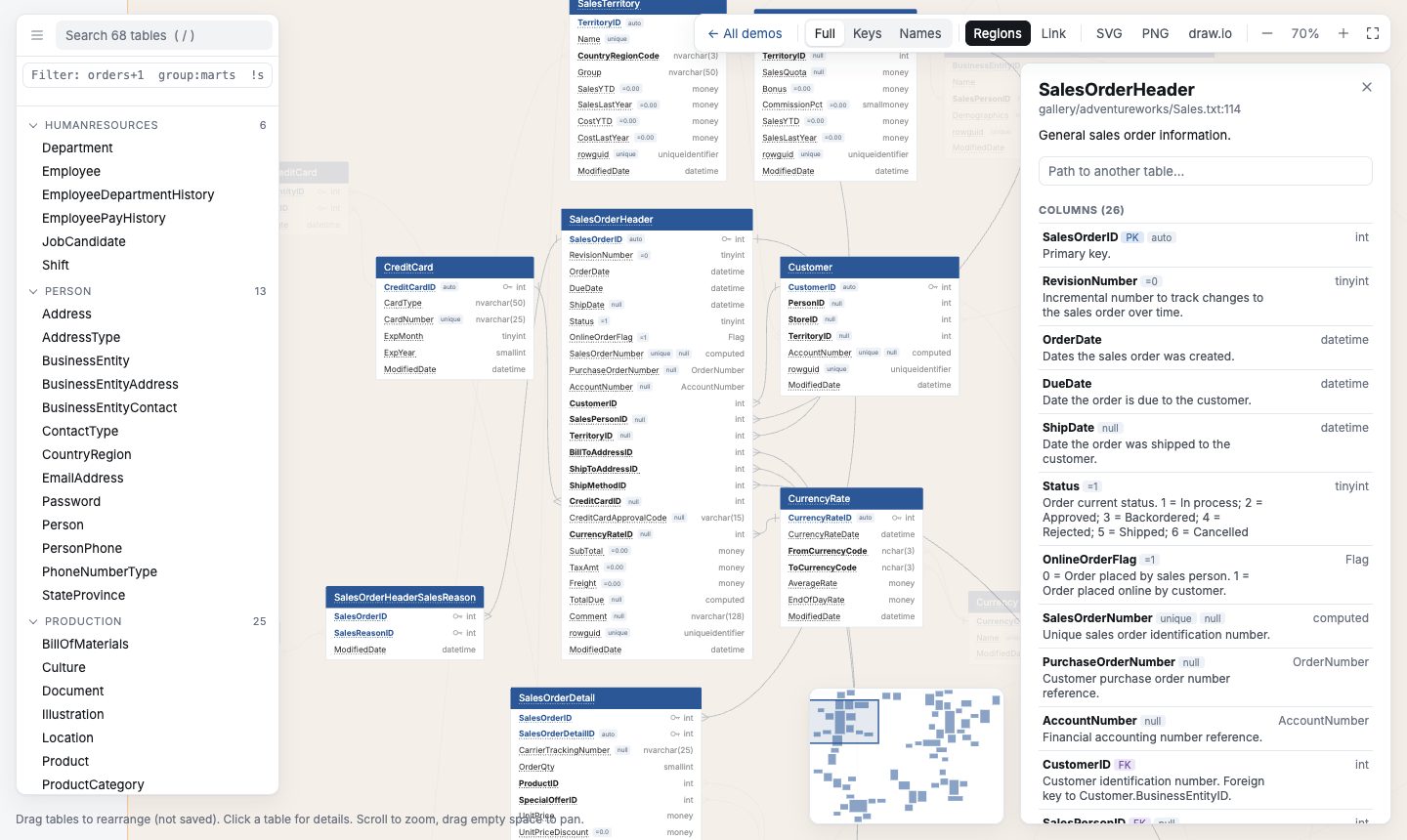
Hand-drawn diagrams go stale. Generated ones get unreadable.
qdbd keeps the schema as text in your repo and builds the diagram from it, so it is always current and still easy to read at hundreds of tables.
Drawing tool
- Looks exactly the way you arrange it
- Lives outside the repo
- Out of date after the next migration
qdbd
- Plain text in git, reviewed in pull requests
- Rebuilt from the text on every change
- Search, selectors and regions for 200+ tables
Diagram generated from a database
- Always matches the database
- Needs a connection to the database
- Often a wall of boxes past a few dozen tables
One text file in, every format out
schema/*.txtQuickDBD syntaxmanifest.jsondbt project- The parser follows QuickDBD's own parser step by step: same tables, same error messages.
qdbd check --strictguarantees a file pastes back into QuickDBD. - The layout comes from ELK. Positions you drag are saved by table name, and new tables land next to the tables they relate to, so the diagram never reshuffles.
- One renderer draws the page in your browser and the PNG and SVG in the CLI, so an export always matches what you see.
From text to diagram
# Every order belongs to one customer.
Order as o
----
OrderId PK int IDENTITY
CustomerId int FK >- Customer.CustomerId
Status string="pending" # fulfilment state

Customer
-
CustomerId PK int
Email varchar(255) UNIQUE
# in your dbt project
dbt docs generate
qdbd import dbt target/ -o erd/ --infer-fks

# primary keys: unique + not_null tests
# relationships: relationships tests
# --infer-fks: customer_id → customers
qdbd check erd/                # QuickDBD's errors
qdbd serve erd/                # live editor
qdbd build erd/ -o erd.html    # one page
qdbd export erd/ -o erd.png    # or .svg .drawio
qdbd path erd/ --from Invoice --to Campaign
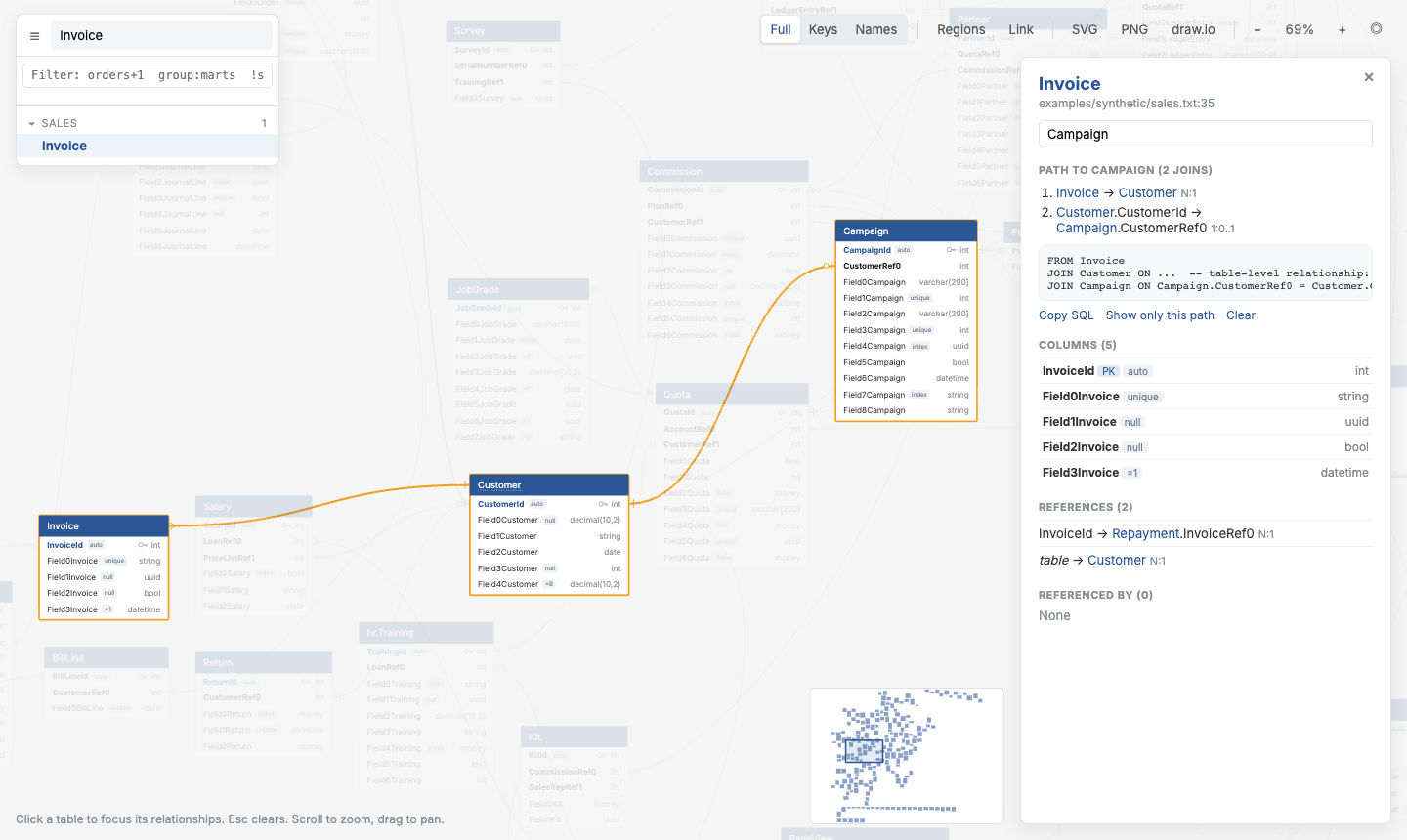
JOIN.Your first diagram in two minutes
- 1Install
pipx install quickdbd-cli - 2Write a schema
schema.txtorqdbd import dbt target/ - 3Edit it live
qdbd serve schema.txt - 4Build and share
qdbd build schema.txt -o schema.html
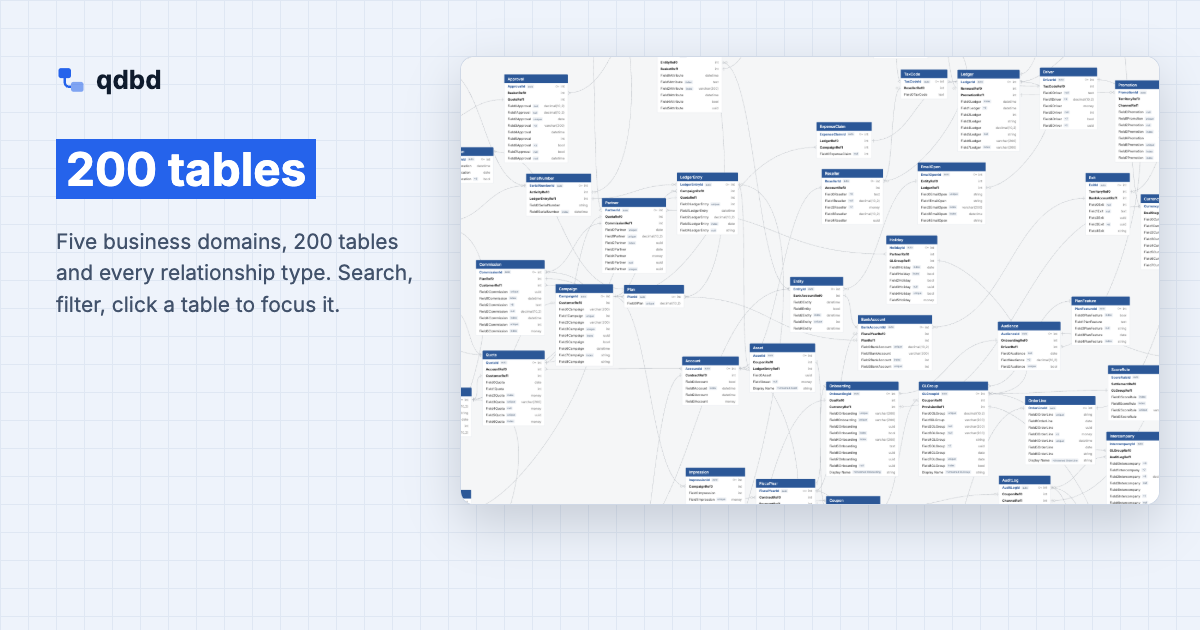
Diagrams built with qdbd
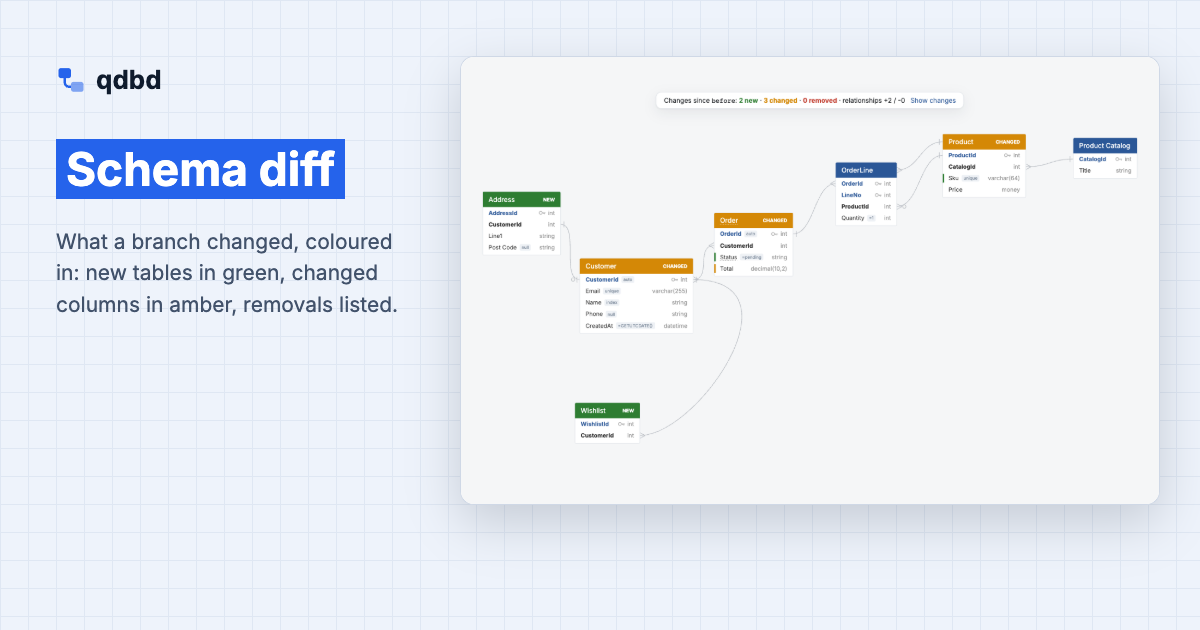
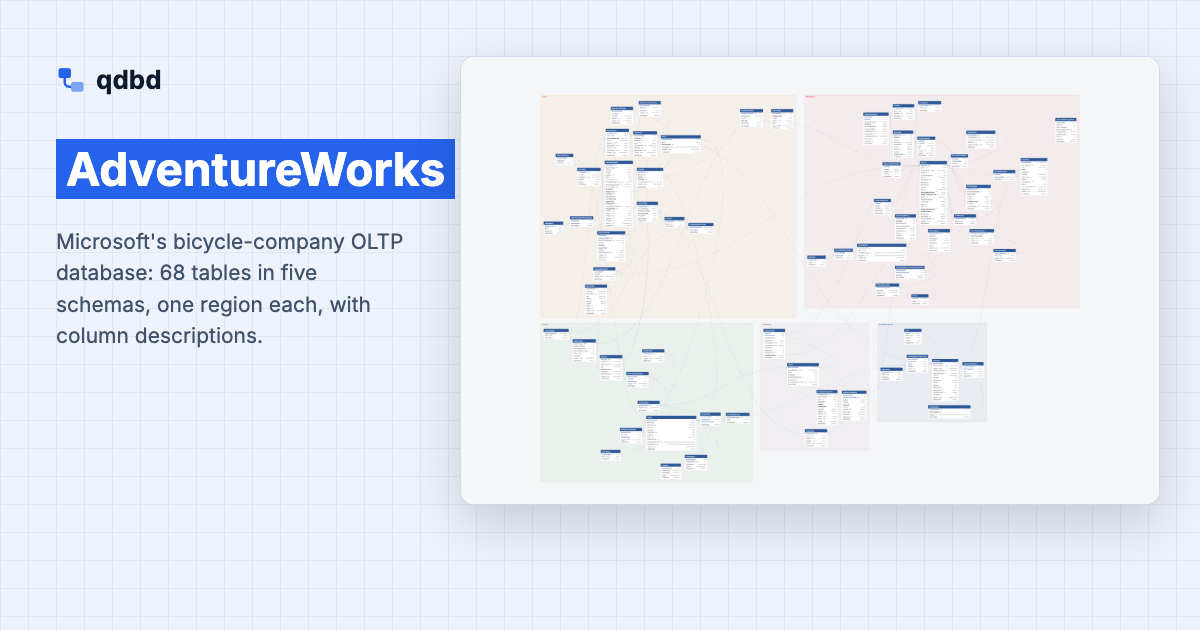
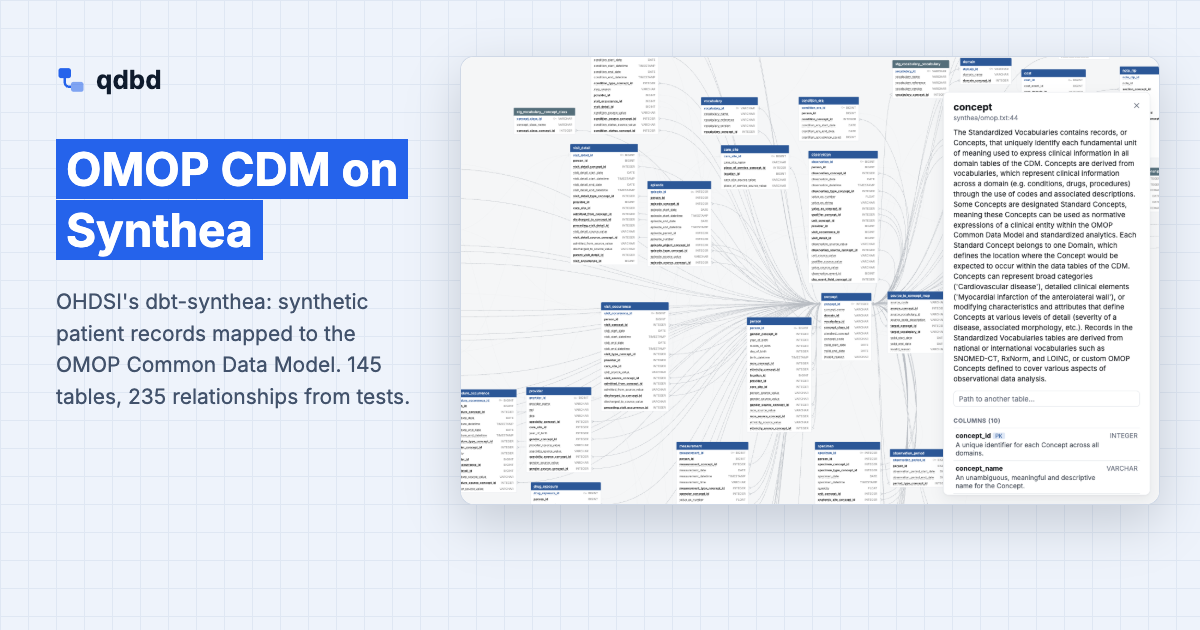
See what a branch changes before you merge it
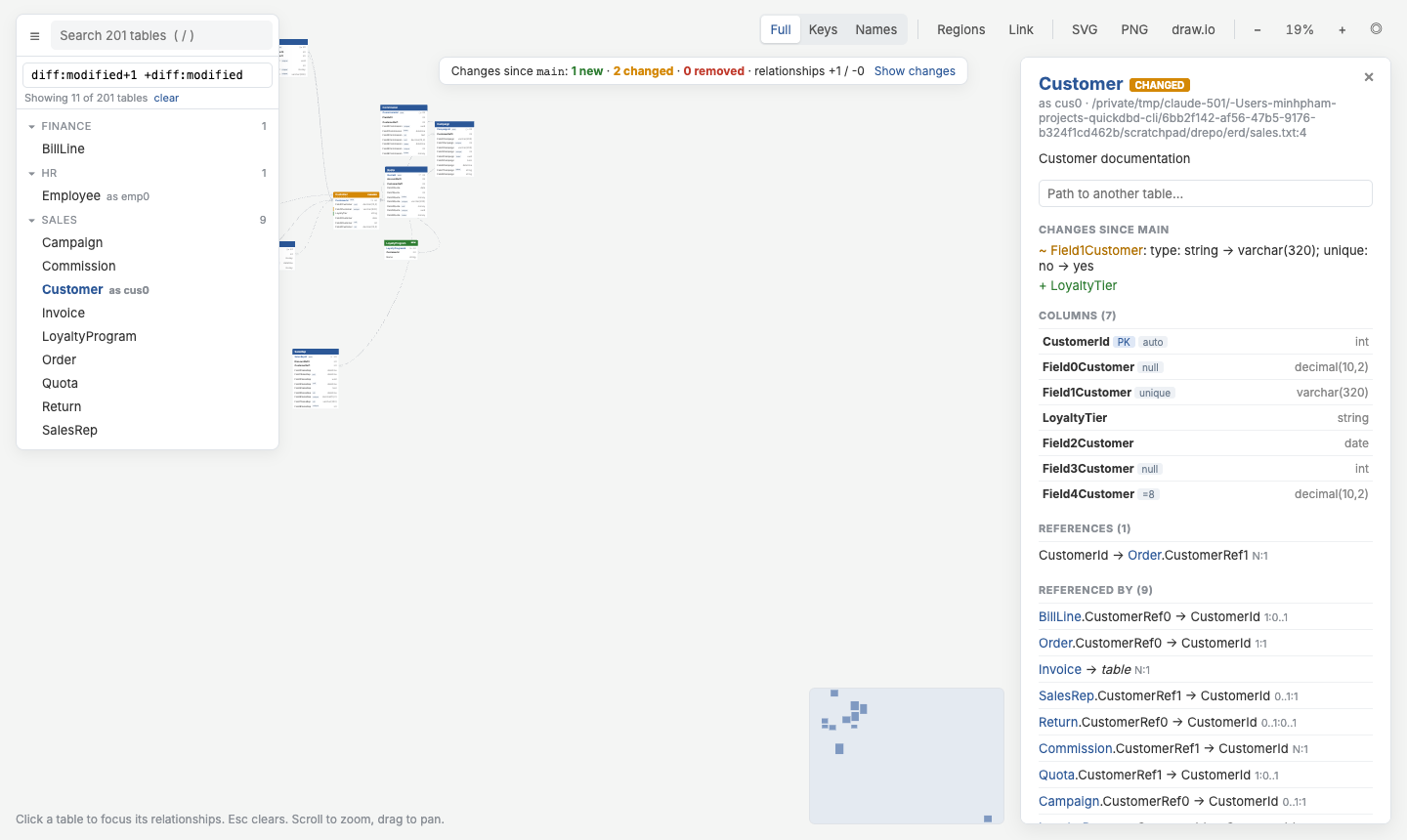
qdbd diff --base origin/main erd/lists added, removed and changed tables, columns and relationships.- The GitHub Action posts it as one comment per pull request, updated on every push.
qdbd build --diff-base origin/maincolours the changes in the diagram: new in green, changed in amber.
Frequently asked questions
Do I need a QuickDBD account?
No. qdbd only uses QuickDBD's text syntax, and it isn't affiliated with QuickDBD. Schemas copy back and forth between the two.
Does qdbd connect to my database?
No. It reads .txt schema files or a dbt manifest.json; nothing connects to a warehouse.
Does my schema leave my machine?
Only if you run qdbd share, which uploads the page to a GitHub gist in your account (secret by default). Built pages load nothing from the network.
How big can a diagram get?
The demos go up to 200 tables. Search, selectors, regions and collapsed views keep large diagrams workable, and --select builds a page with just the part you need.
What do I need to install?
Python 3.11 or newer. No Node, Graphviz or browser: the layout engine runs inside Python.
Can I use it in CI?
Yes. The GitHub Action checks the schema, builds the page and comments on pull requests; any other CI can run the same commands. CI and Automation →
Install qdbd and build your first diagram
pipx install quickdbd-cli
Python 3.11+ · no Node, Graphviz or browser to install
Schema changes:
main→this branch2 table(s) added, 0 removed, 3 changed; 2 relationship(s) added, 0 removed
CustomerLegacyRefOrderStatus· ✏️Total: money → decimal(10,2)ProductSku